 Szeto Handyman
How doorbell wiring works
- Send pictures
- You approve the doorbell quote
- Checked with you
A wired doorbell runs on low voltage from a small transformer, usually near the panel, in a closet or attic, or mounted on a junction box. Thin bell wire runs from the transformer to the chime and to the button. Video doorbells use the same wires but draw more power, so the transformer has to supply the voltage and power the doorbell maker lists.
Video doorbell install steps
- Find and check the transformer's output.
- Turn off power to the transformer.
- Remove the old button and mount the new bracket, using a wedge kit to angle the camera if needed.
- Connect the bell wires and install any chime adapter the doorbell requires.
- Restore power, connect the doorbell to Wi-Fi and the app, and test the chime.
Common problems
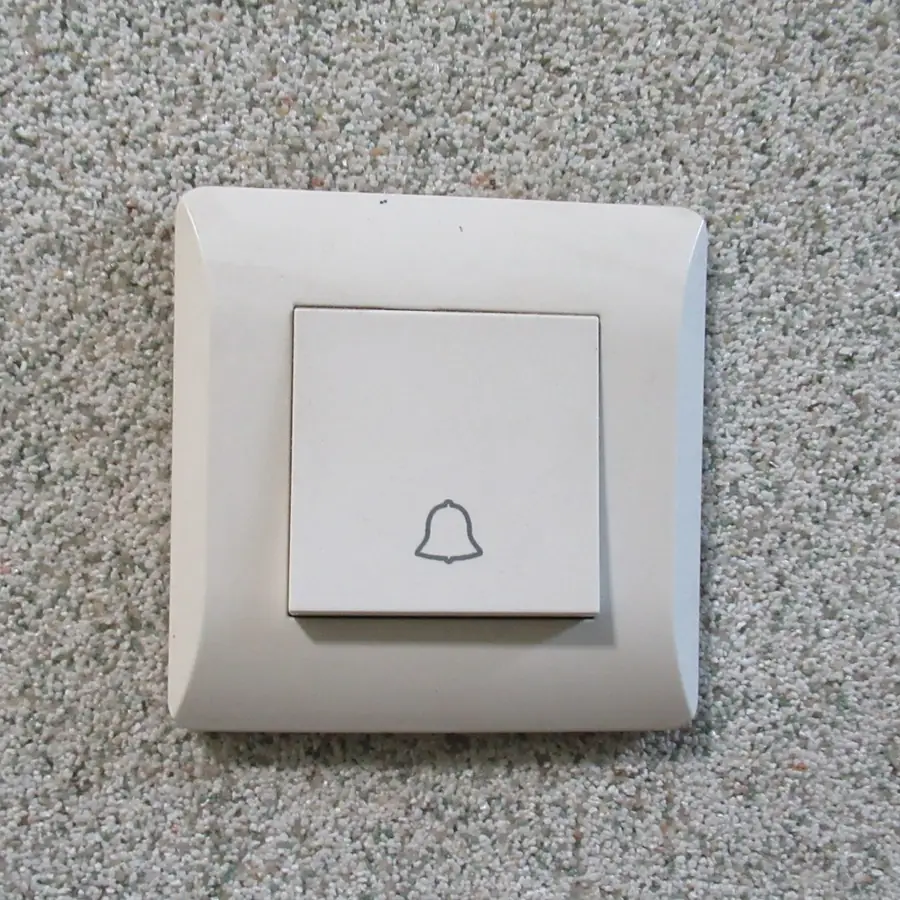
- The doorbell keeps rebooting: the transformer is too weak.
- The chime buzzes: the chime adapter is missing or wired incorrectly.
- No power at all: a broken bell wire or a dead transformer.
- Poor video: weak Wi-Fi at the door; a mesh node or extender helps.
Battery doorbells
When there is no doorbell wiring, a battery doorbell avoids wiring altogether. We mount it securely on stucco, wood or brick and pair a plug-in chime.
- Locate the panelRead the breaker labels to spot this circuit.
- Cut the powerFlip it and test that nothing turns on.
- Hands off if scorchedBurn marks or loose wiring are a stop sign.
- Send picturesA shot of the doorbell button and the panel helps.
Scope
See the full list of electrical work we take on.
Replacing a transformer that mounts on an existing junction box is a swap. Running new transformer power or new bell wire through walls is outside our scope.
Finding the transformer
Doorbell transformers hide in odd places: on a junction box in the garage, next to the furnace in a closet, in the attic above the front entry, or near the main panel. The voltage is printed on the label. If the label shows a lower voltage than the video doorbell requires, it needs a replacement transformer. Replacing one that mounts on an existing junction box is a straightforward swap.
- Wired doorbell or chime swaps
- Video doorbells on existing bell wire
- Mounting wedges and angle plates
- Pairing the app at the door
- A new transformer location
- New wire runs through walls
- Any work inside the panel
- Buzzing, heat or scorch marks
Chimes and adapters
Mechanical chimes ding when the button closes the circuit. Video doorbells constantly draw a small current, which can make some chimes hum. Makers include an adapter or a power kit that fits inside the chime box to fix this.
Digital chimes may need a bypass setting. We confirm the chime works before we leave.
Wi-Fi at the front door
Video doorbells need decent Wi-Fi where they mount. Stucco and brick walls block signal. Check the signal on your phone at the door before buying. A mesh node or extender near the entry often fixes poor video.
Privacy and neighbors
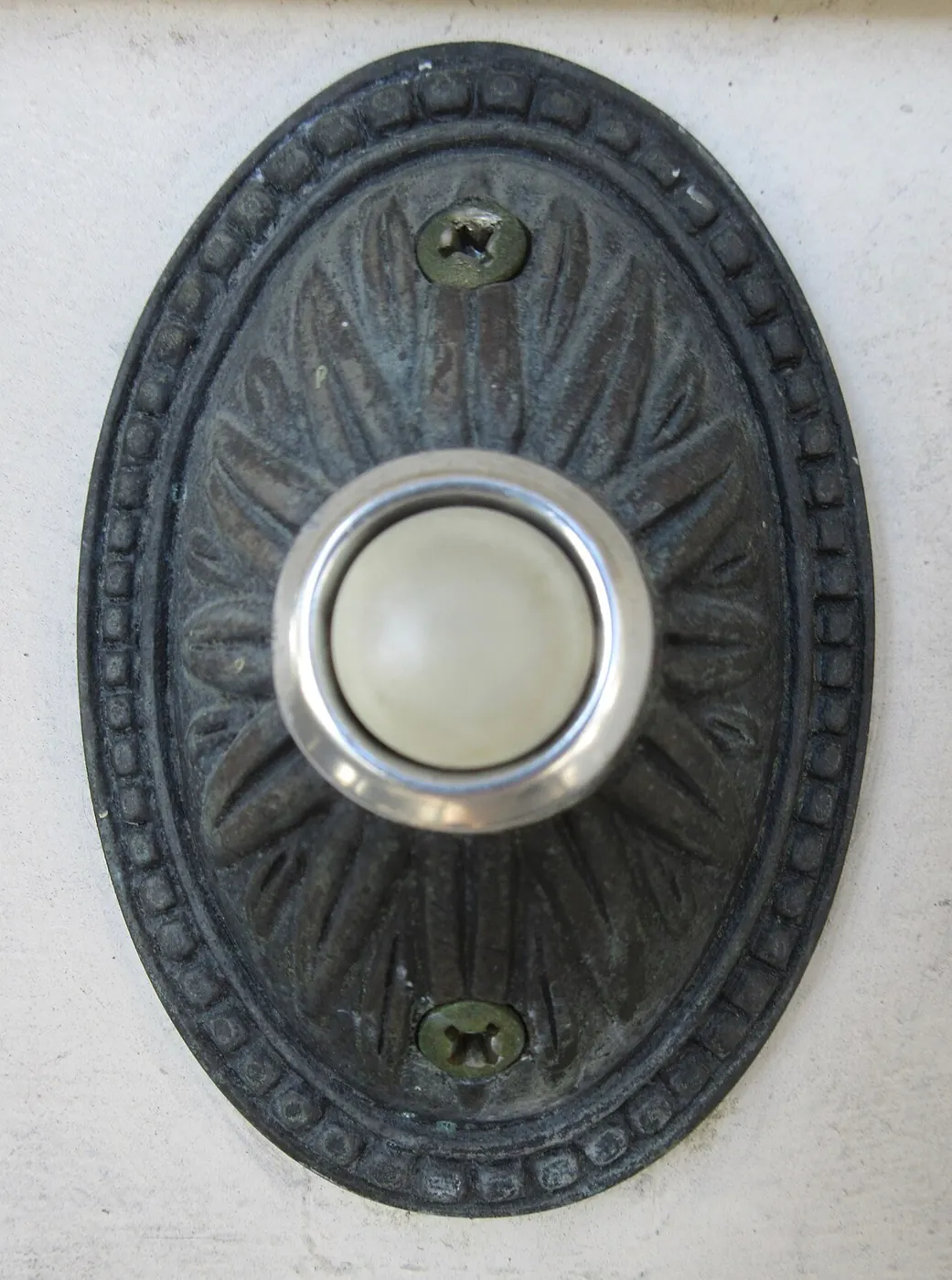
Aim the camera at your own entry and walkway rather than a neighbor's windows, and adjust motion zones to avoid the street. Many apps allow privacy zones.
- Is there an existing wired doorbell?
- Photo of the chime box inside
- Wi-Fi signal at the front door
- Width of the trim where it mounts
- Transformer voltage, if you can see it
- The app account set up on your phone
More questions
Can you add a second chime? Many doorbells pair with plug-in wireless chimes.
Can you mount a doorbell on a brick column? Yes, with masonry anchors and a wedge to angle the view.
Gate and second-entry doorbells
- Only a doorbell
- Or several things
Homes with a front gate or a side entry sometimes want a second button. Wireless buttons pair with plug-in chimes or the main video doorbell system without new wiring. For gated driveways, a battery video doorbell mounted on the gate post lets you see visitors at the gate. We mount it securely and aim it to capture faces.
Mounting surfaces
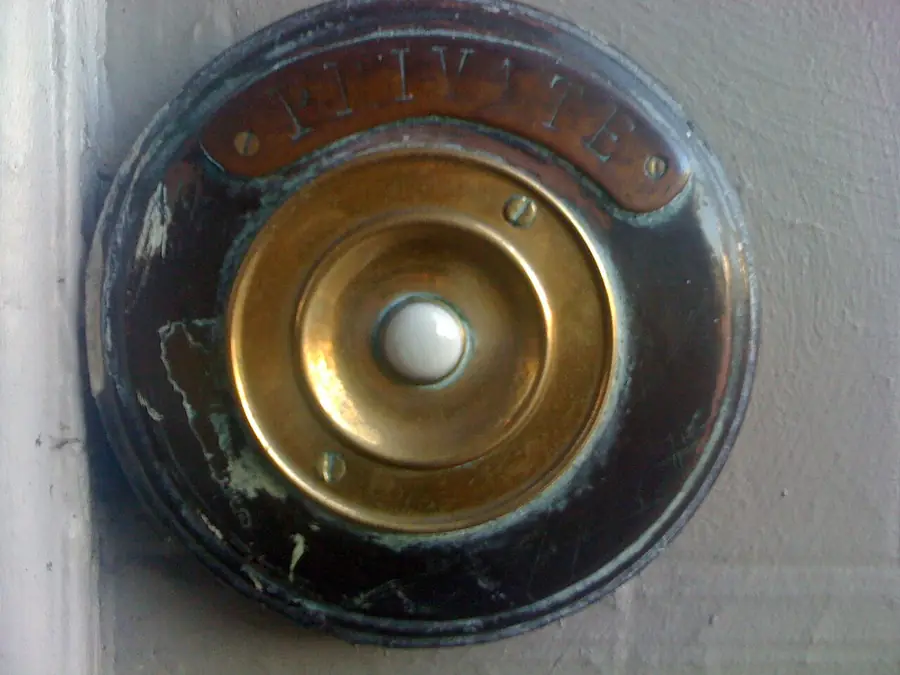
Doorbells mount on wood trim, stucco, brick and siding. Stucco and brick need masonry bits and anchors. Narrow trim may need a mounting plate.
Wedge and corner kits angle the camera toward the walkway when the door sits in an alcove. We seal around the mounting holes on exposed surfaces to keep water out of the wall.
Doorbells for renters
Battery video doorbells with no-drill mounts suit renters. Ask the landlord before replacing a wired doorbell, and keep the old button to reinstall when you move out.
More questions
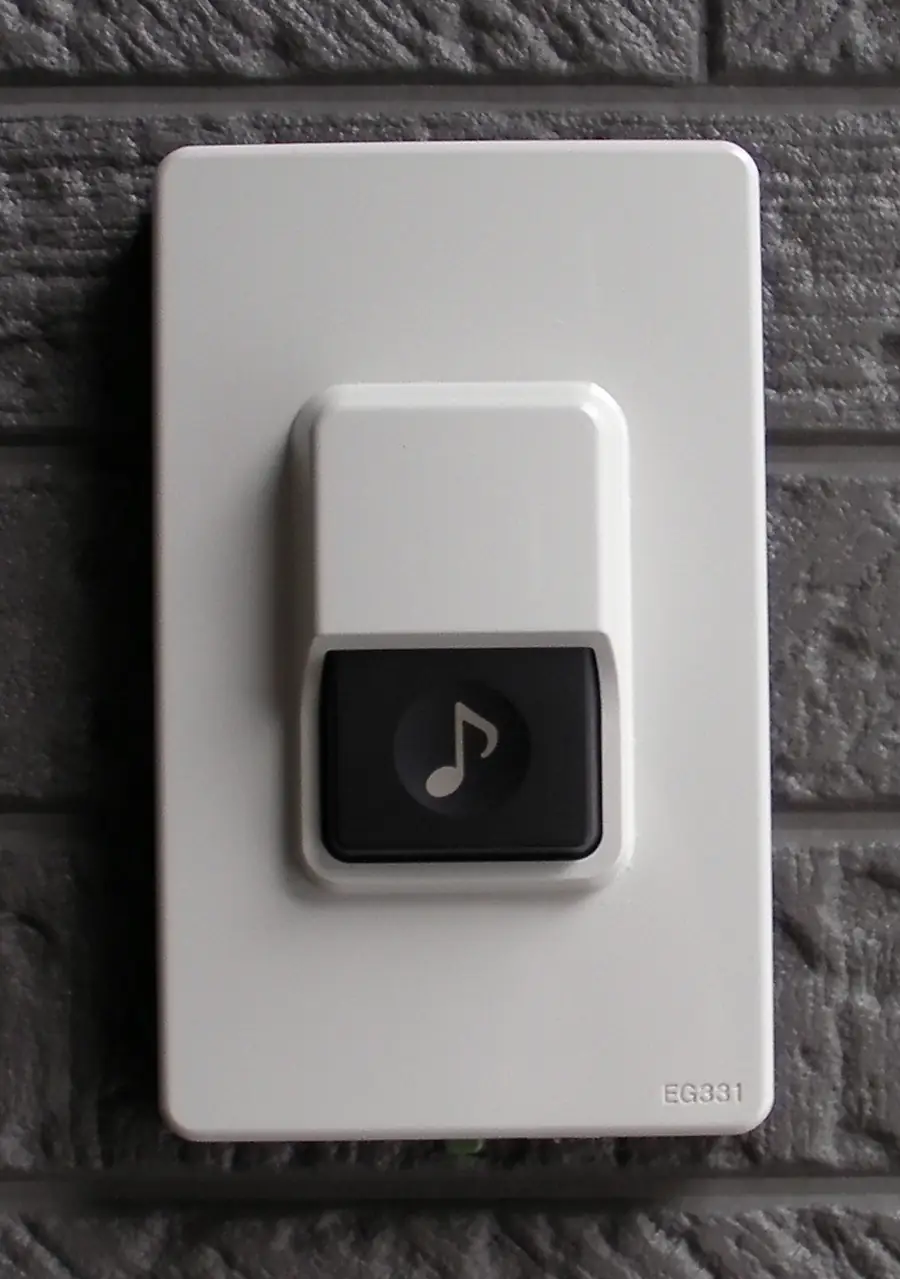
Can you replace a broken doorbell button only? Yes, with a standard button on the existing wires.
Do video doorbells need a subscription? Many offer basic features without one; recording history often requires a plan. Check the maker's terms.
Testing after install
We press the button several times, confirm the chime rings each time, check that the camera view captures the walkway and faces at the door, and run a test notification on your phone. If the chime hums or the camera reboots, we check the transformer output and adapter wiring before leaving. We also show you how to adjust motion zones in the app so passing cars do not send alerts all day, and where the reset button is if the doorbell ever needs to rejoin Wi-Fi.
- Wide shotThe whole fixture and the space around it.
- Close-upLabels, model numbers, the leak or break.
- ConnectionsValves, pipes, wires or brackets.
- Send itText the photos with your cross street.
Chime box upkeep
Mechanical chimes sometimes stick after years of dust. A gentle cleaning of the plungers usually restores a crisp ding-dong. When a video doorbell is added, a small power adapter may sit inside the chime box, and we label it so a future owner knows what that little module is for.
Renters and doorbells
Tenants who want a camera can often use a battery model on a no-drill wedge mount, then take it along when they move. We can set that up and leave the original button untouched underneath.
Related guide: Troubleshooting dead outlets and GFCI resets.
Questions we get
- A heads-up text before the doorbell
- Area protected and swept
Will a video doorbell work with my old chime?
Usually, sometimes with an adapter the maker includes.
Can you set up the app?
We connect it with you using your account.
Can you mount on stucco?
Yes, with masonry anchors.
- Mon–Sat 8:30 AM–7 PM
- Closed Sunday
- Texts usually answered within the hour
What if my doorbell wires are too short?
We can extend them inside the wall opening with proper connectors.
Can a video doorbell ring my phone?
Yes, through the maker's app once it is connected to Wi-Fi.
Do you install smart locks at the same time?
Yes, in existing door bores.
- Someone home works
- Gate code for the doorbell job
Can you remove an old intercom?
We can remove the station and patch the wall.
Do I need a transformer for a video doorbell?
Most need more power than old doorbell transformers give. We check the existing transformer and swap it if it is too weak.
Do I need Wi-Fi for a doorbell camera?
Yes, for most models. The signal at the door should be strong enough for video.
- Free estimate
- We ask before more doorbell work
Will my video doorbell work without a subscription?
Live view and alerts usually work; recording often needs the maker’s plan. Check the brand’s terms.
- Doorbell parts in the quote
- Your own part works
Get a quote for doorbell and video doorbell installation
Text a photo and your cross street. Free estimates, and most texts are answered within the hour.
Good to fix along with the doorbell
Customers who book doorbell work often add swapping worn knobs and locks or outdoor and motion lights. Other pages that help: smoke and CO alarm installation, fixing doors that stick or sag, electrical fixture repairs.
Repairs related to the doorbell
Also done in West Covina, Covina, Baldwin Park, Azusa, Temple City, Sierra Madre, Monrovia, Duarte, Irwindale and Glendora.